School Assignment Management
Assignment/Homework Management for Schools
Teacher-assigned homework with submission tracking, grading & deadline alerts for students & parents.
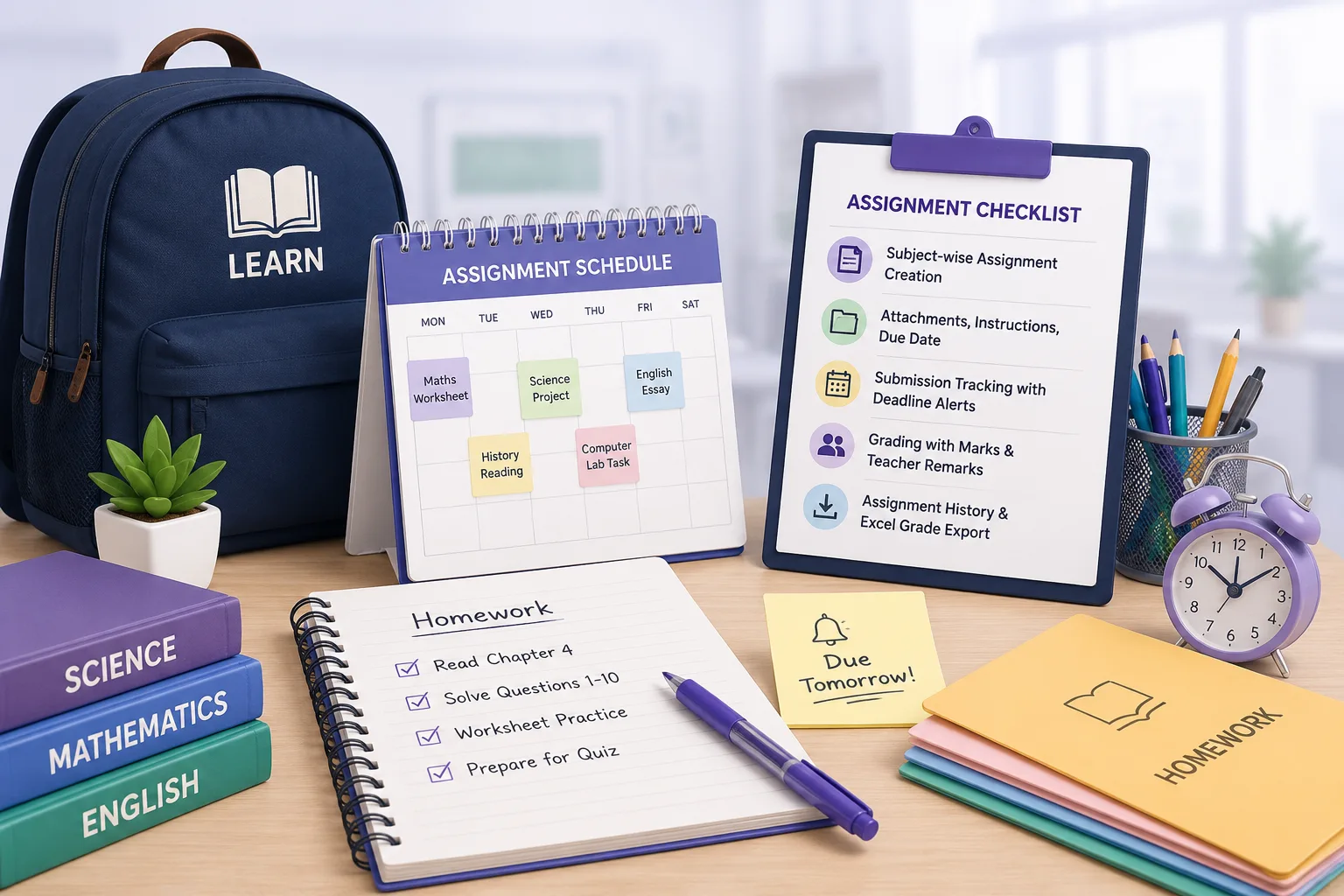
- Subject-wise assignment creation: title, instructions, files, due date, category
- Categorize as homework/project/practical, late flag with timestamp & bulk export
- Per-student submission tracking (submitted/pending/late) with deadline alerts
- Grading with marks & teacher remarks, class-wise submission rate dashboard
- Assignment history per student, and Excel grade export
Overview
What Does Assignment Management Do?
Assignment Management gives schools a structured, tracked homework & assignment platform. Replacing informal WhatsApp instructions & paper-based submission registers with a system where every assignment is published, every submission is recorded, every deadline is enforced with automated alerts, and every grade is documented. Teachers create & publish assignments per subject, class & section. Students & parents receive deadline alerts. Submissions are tracked individually with late flags. Teachers grade from a single view of all submissions. Class-wise submission rates & assignment performance reports give academic coordinators visibility into homework completion patterns across the school.
Benefits
How Does it Help Schools?
Assignments Published, Not Just Communicated
Create a formal published record per assignment: subject, class, section, instructions, attachments & due date; accessible to students & parents. Notifications on publish.
Teachers Know Who Has Submitted
Teacher view of submissions shows submitted, pending & late status per student for any assignment. Late submissions flagged with timestamp. Bulk submission export.
Deadline Alerts Reach Parents
Automated deadline alerts go to both students & parents before due date. Late submission policy per assignment: allow or block, gives teachers control.
Grades & Teacher Remarks Documented Per Submission
Grades & remarks entered per submission & retained against student's assignment history. Class-wise submission rate dashboard & assignment performance.
Key Capabilities
What the Module Delivers
Subject-Wise Assignment Creation
Assignments created per subject, class & section with title, instructions, file attachments, due date, category & late submission policy.
Draft Before Publish
Assignments saved as drafts before being published. Preventing accidental early release to students and parents.
Student and Parent Notification on Publish
Alerts sent to students & parents when an assignment is published. Ensuring the assignment reaches all targeted recipients on the same day.
Per-Student Submission Status
Submitted, pending, and late status per student per assignment. Updated in real time as submissions arrive, visible to the teacher from a single view.
Deadline Alerts to Students and Parents
Automated reminders to both students & parents before submission due date. Reducing missed submissions from students who do not relay reminders at home.
Late Submission Flag with Timestamp
Late submissions flagged with the exact submission time; for teacher and coordinator review of submission discipline across classes.
Download and Review Submitted Files
Teachers access & download submitted files from the submission view, no separate file sharing platform needed.
Grading with Marks and Remarks
Marks or grades and teacher remarks entered per submission; retained in the student's assignment history for academic record.
Class-Wise Submission Rate Dashboard
Submission completion rate per class per assignment; for teacher & coordinator monitoring of homework completion patterns.
Assignment Performance by Subject
Subject-level view of assignment grades & submission rates; for identifying subjects or assignment types needing intervention.
Export (Submission and Grades)
Bulk submission export and grade export to Excel; for parent communication, report cards, and academic coordinator reporting.
Every Assignment Published.
Every Submission Tracked.
Every Grade Recorded.
See how edumerge's Assignment Management module gives schools a structured homework platform built into the School ERP.
Frequently Asked Questions
Common questions about assignment and homework management
How does edumerge track whether students have submitted their homework on time?+
Each assignment shows a per-student submission status of submitted, pending, or late, updated in real time as students submit. Late submissions are flagged with the exact submission timestamp, giving teachers a single view of submission discipline across the class. Teachers can also download and review submitted files directly from this same view.
Do parents get reminders before an assignment's due date?+
Yes. When a teacher publishes an assignment, students and parents receive a notification the same day, and automated deadline alerts follow before the due date. This reduces missed submissions caused by reminders not reaching parents at home.
Can teachers choose to block or allow late submissions?+
Each assignment carries its own late submission policy, set at creation, so a teacher can choose to allow or block submissions made after the due date. Any late submission is still flagged with a timestamp regardless of the policy, so coordinators can review submission discipline across classes.
Where are assignment grades recorded, and can they be exported for report cards?+
Teachers enter marks or grades and remarks against each submission, and these are retained in the student's assignment history for academic record. Coordinators also get a class-wise submission rate dashboard and a subject-level performance view, with bulk export of submissions and grades to Excel for report cards and parent communication.
Can a teacher prepare an assignment in advance without students seeing it right away?+
Yes. Assignments can be saved as a draft with title, instructions, attachments, due date, and category, then published only when the teacher is ready. This prevents accidental early release to students and parents before the assignment is finalized.